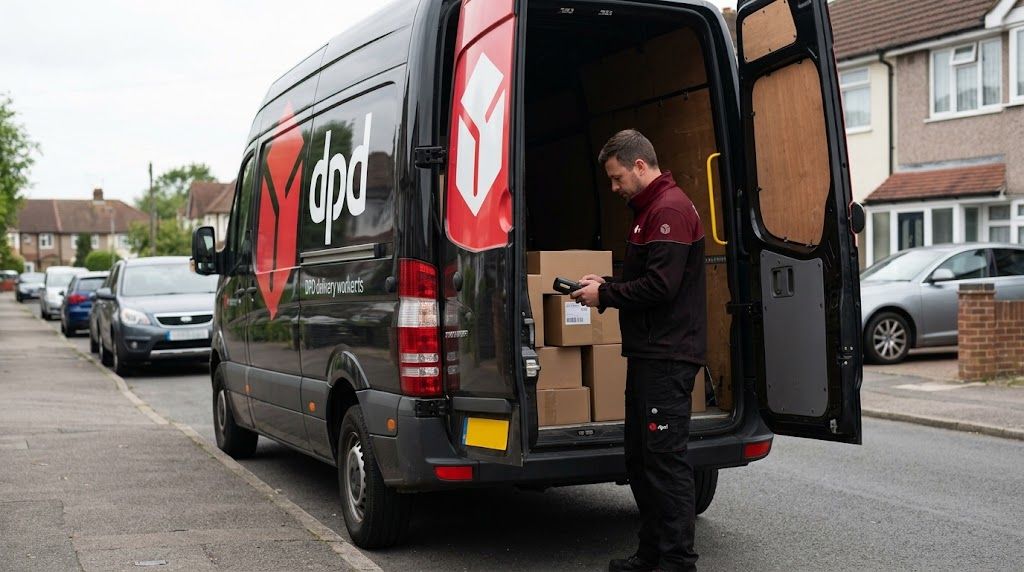
DPD is one of Europe’s leading parcel delivery networks, handling millions of domestic and international shipments daily. Their digital tracking and "Your Delivery Window" features are highly rated, but logistical challenges can still occur.
If you are facing difficulties while tracking your DPD parcel, this guide covers the most common delivery errors and the exact steps you need to take to resolve them.
Common DPD Tracking Issues and How to Solve Them
1. Stuck on "Order Data Transmitted"
Your tracking number was generated, but the package isn't moving.
- Why it happens: "Order data transmitted" (or "Information Received") simply means the sender has created a shipping label electronically, but they have not yet handed the physical parcel over to a DPD driver or dropped it off at a DPD facility.
- The DPD Solution: If the status does not update within 24 to 48 hours, you must contact the sender or retailer. DPD cannot trace or expedite a package they do not yet have.
2. Status Shows "Delivered" but Parcel is Missing
This is a stressful scenario, but DPD's scanning systems usually offer a quick way to locate the package.
- Why it happens: The driver may have left the parcel in a designated SafePlace, handed it to a neighbor, or delivered it to a local DPD Pickup shop if you weren't home.
- The DPD Solution: First, check your immediate surroundings (porch, side gate, bins) and ask your neighbors. You should also check the DPD tracking portal or app, which often includes a photo of where the parcel was left. If you still cannot find it, contact DPD customer service immediately to verify the exact GPS drop-off coordinates.
3. Missing a Delivery or "Consignee Not Located"
If you are not home during the delivery window, DPD has a strict protocol.
- Why it happens: DPD requires someone to accept the delivery (or strict authorization to leave it in a SafePlace). If no one is located, the driver will leave a parcel notification card.
- The DPD Solution: You will receive a notification card in your letterbox (and an email) containing your parcel number. You can use this number on the DPD website or app to redirect the parcel, change the delivery day, or have it routed to a local DPD Pickup parcel shop. You can also pre-set your preferred delivery method in your "Preferences" if you know you won't be home.
4. Tracking is Stalled for a Long Period
Sometimes a parcel seems to freeze mid-transit.
- Why it happens: Tracking can pause during long-haul transport, intercity hub transfers, or if the barcode gets damaged and requires manual sorting. Delays are also common during severe weather or peak holiday seasons.
- The DPD Solution: If your parcel's status remains completely unchanged for an extended period, or if it entirely misses its indicated delivery window, you should contact DPD support directly to initiate an internal investigation.
5. "Returned to Sender" (RTS) Errors
If a package cannot be delivered, it will eventually reverse course.
- Why it happens: Packages are typically returned if the address is incorrect or incomplete, if it was refused by the recipient, or if it sat unclaimed at a DPD Pickup shop past its holding period.
- The DPD Solution: Once a parcel is officially marked as returning to the sender, DPD cannot intercept it and redirect it to you. You must contact the original sender to arrange for a reshipment once the item arrives back at their warehouse.
DPD Delivery & Pickup FAQs
How long does a DPD Pickup shop hold my parcel?
If you redirected your parcel to a local shop, or if the driver left it there after a missed home delivery, the holding period depends on the location and country. Generally, parcels delivered to a DPD Pickup parcel shop are stored for 3 to 7 calendar days (which includes Saturdays, Sundays, and holidays) depending on your region. If you are collecting from a DPD Locker, the parcel is typically only available for 72 hours (3 days). If it is not collected within this timeframe, it is returned to the sender.
What do I need to bring to collect my parcel?
When collecting your parcel from a DPD Pickup shop or a participating Post Office branch, you will need your DPD pick-up pass (which contains a pick-up code sent via email or SMS). The pass will specify if additional ID is required. If you cannot find your pick-up pass, you can still collect your item by presenting a valid photo ID (like a passport or driving license) alongside a utility bill or bank card.
Can I collect a DPD parcel for someone else?
Yes. If you have the recipient's DPD pick-up pass that does not strictly require additional ID, you can simply show the pass at the counter. If ID is required or you do not have the pass, you must share the same surname as the recipient and bring your own photo ID to collect it on their behalf.
What happens if my parcel is damaged upon collection?
If you arrive at the Pickup shop or Post Office and notice that the DPD parcel is visibly damaged, you have the right to refuse to accept it. If you refuse it, DPD will automatically return the damaged parcel to the original sender.
How does the "SafePlace" option work?
If you know you won't be home, you can use the DPD app or tracking portal to nominate a "SafePlace" (like a shed, porch, or greenhouse). This gives the driver explicit permission to leave the parcel on your property without a signature. Note: Once left in a designated SafePlace, you accept liability for the package.
How to Contact DPD UK Customer Service
If you need to escalate a tracking issue, find a missing parcel, or report a delivery error, you can reach DPD's UK support team through the following channels:
- Domestic Parcels (Phone): 0121 275 0500 (Monday–Friday: 8am – 6.30pm; Saturday: 8am – 4pm; Sunday: 9am – 3pm. Closed bank holidays).
- International Parcels (Phone): 0121 389 9845 (Monday–Friday: 8am – 6.30pm).
- International Parcels (Email): po.international@dpd.co.uk
- DPD Gold Support (Phone): 0121 275 7333
- General Consumer Email: consumers@dpd.co.uk
- App Chat: The fastest way to speak to an advisor is often via the live chat feature built directly into the DPD mobile app.