Whether you are waiting on an online order or sending a critical package, knowing exactly how to monitor its journey is vital. UPS provides some of the most robust and detailed logistics tracing in the industry.
Understanding how to navigate the tracking process can save you time and ease any "delivery anxiety." This guide breaks down the tracking process, standard number formats, and how to follow your package from its origin directly to your doorstep.
How to Track a UPS Package
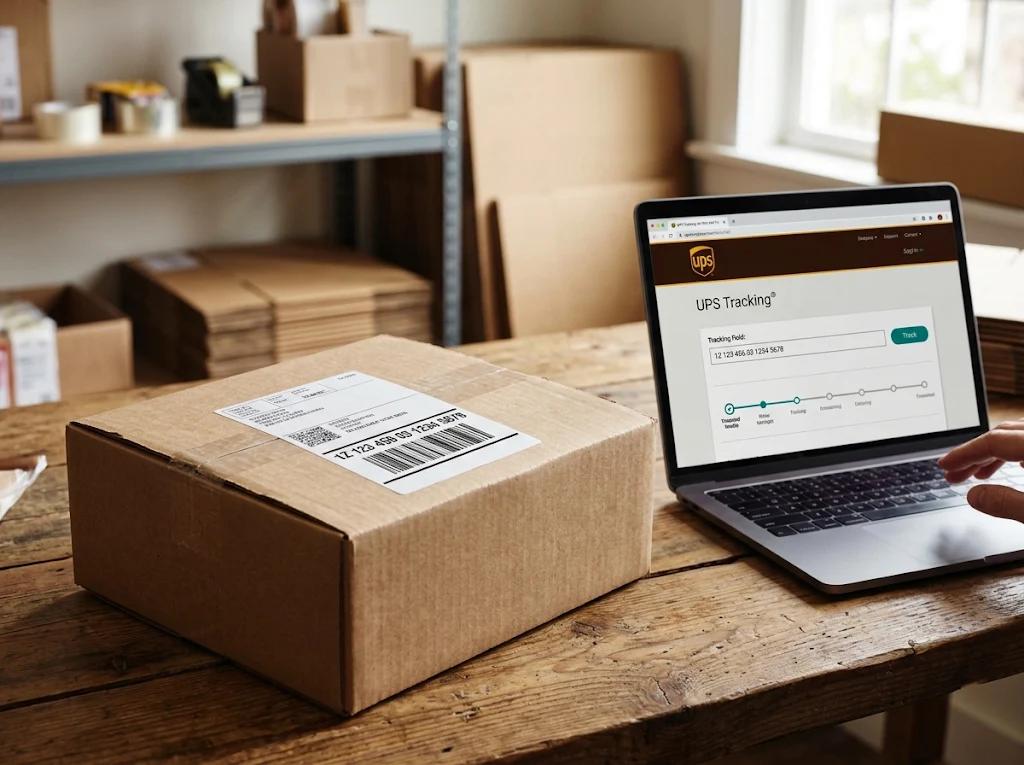
The easiest way to check the status of your shipment is to locate your tracking number and use one of UPS's accessible tracking channels.
The UPS Website: Go to UPS.com, type your tracking number directly into the prominent "Track" bar on the homepage, and press search. You do not need an account to use this feature.
UPS My Choice®: For advanced users, registering for this free service provides automated alerts, delivery estimates, map-tracking on select shipments, and the ability to redirect packages to a UPS Access Point® if you will not be home.
The UPS Mobile App: Perfect for on-the-go tracing, the app sends push notifications as your package receives new milestone scans and allows for instant tracing without re-entering numbers.
Understanding the UPS Tracking Number Format
UPS uses several tracing number formats, but by far the most common is the 18-character "1Z" standard tracking number.
Here is how a standard UPS Domestic and International tracking ID is constructed:1Z 123 456 YY TTTT TTT C
- 1Z - The standard prefix identifying the carrier as UPS.
- 123 456 - A unique 6-digit shipper number (the account of the sender).
- YY - Service level indicator (e.g., Ground, 2nd Day Air, Next Day Air).
- TTTT TTT - Unique parcel identifiers assigned to your specific box.
- C - A final check digit used for administrative verification.
Alternative formats: You may occasionally encounter shorter 9-digit or 11-digit numbers, which are typically associated with specific mail-innovation services or return-service partnerships.
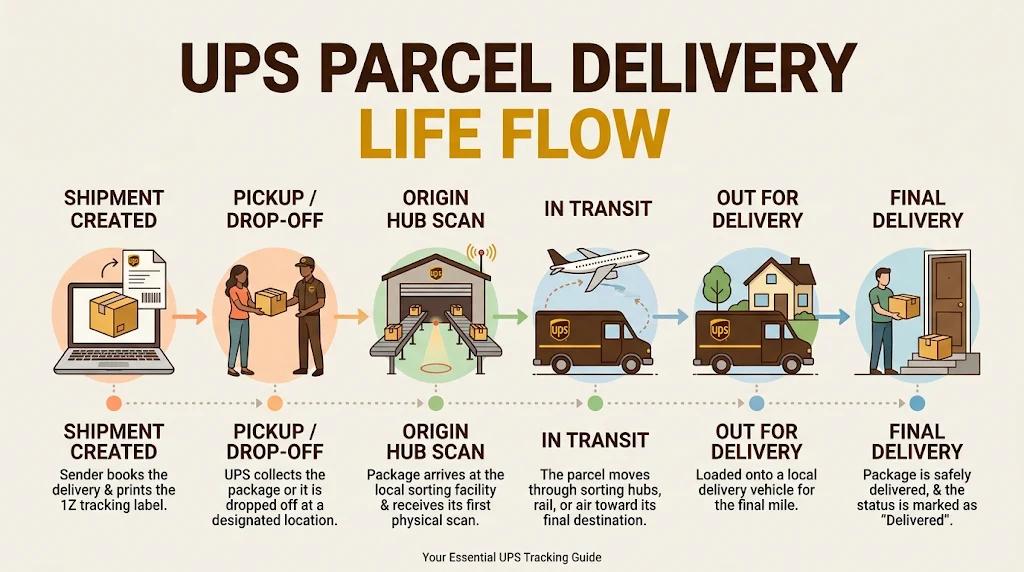
Visualizing the Journey: The UPS Parcel Delivery Life Flow
Ever wonder what happens to your box once it has been handed over? Let's take a look at the key milestones your package passes through:
- 1. Shipment Created: The sender buys the label and sends digital billing data to UPS. The "Label Created" status is visible.
- 2. Pickup / Drop-Off: The physical package enters the system, either by carrier pickup or dropping off at a UPS Store or Access Point.
- 3. Origin Hub Scan: Your package reaches its first major sorting station and receives an initial barcode scan.
- 4. In Transit: The longest phase of the journey, during which the package travels by flight, rail, or trailer through sorting hubs.
- 5. Out for Delivery: The parcel has arrived at the final local distribution center, been sorted, and loaded onto a local delivery vehicle.
- 6. Final Delivery: The driver arrives at your doorstep, scans the parcel a final time, and leaves it in a safe spot or obtains a signature.
Frequently Asked Questions
1. Why has my tracking status not updated in 24 hours?
While packages are "In Transit," they might go a day or more without a scan as they travel between large regional hubs or cross-country. This is normal. Your package is still moving, and its status will update once it arrives at the next scanning facility.
2. Can I track a UPS package without a tracking number?
Yes, using Reference Numbers (such as purchase order or invoice numbers) if the sender provided them during shipment creation. You can use the "Track by Reference" option on the UPS tracking page. Registering for UPS My Choice® will also automatically list any incoming packages addressed to your name and home address.
3. What does "Tracking Information Not Available Yet" mean?
This typically occurs right after you receive a shipping confirmation. It takes a few hours for the sender's data to register in the UPS digital ecosystem, or the package has not received its first physical scan at a sorting hub yet. Try checking again after 6:00 PM.
4. What does "Notice Left / Attempted Delivery" mean?
If the delivery required a signature and you weren't home, the driver will leave a physical Info Notice door tag. It will indicate if they will try again tomorrow, or if they have redirected your package to a nearby UPS Access Point (like a local pharmacy or UPS Store) where you can pick it up with an ID.
5. My package is marked as "In Transit" but the delivery date has passed. What should I do?
Occasional delays due to customs, weather, or operational issues can happen. Wait 24 to 48 hours for an updated delivery window. If the tracking goes more than several business days without a new status scan, contact the sender (seller) so they can initiate a formal lost package investigation with UPS.
Need to redirect or check on a live parcel right now? Visit the official UPS Tracking Portal to type in your tracking code.